.svg "Gorilla ROI")
Spreadsheet Templates Provided
Profit & Loss Template
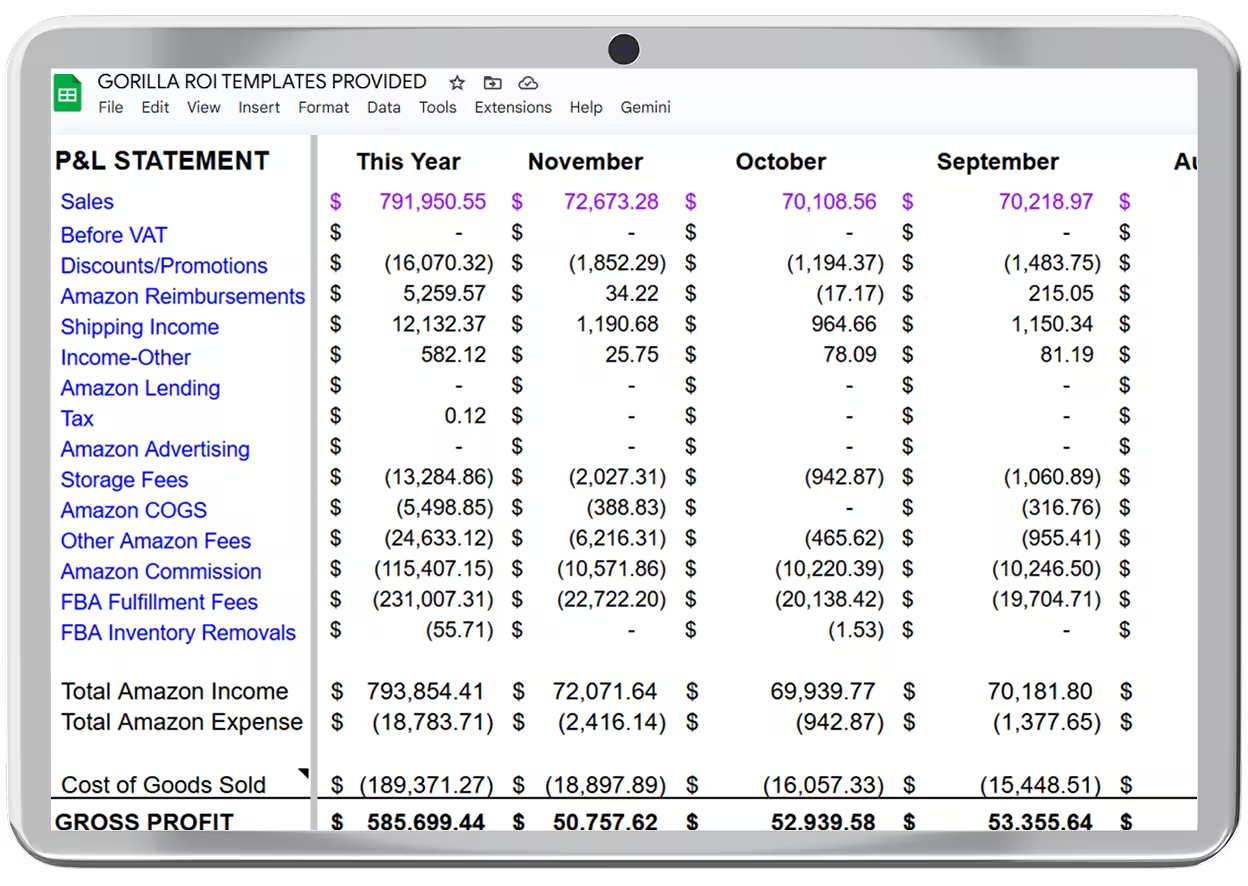
Load ecommerce revenue, fees, and expenses into a prebuilt Profit & Loss layout in Google Sheets.
4.8 Rating · 11k+ Downloads · Trusted by Sellers








Profit & Loss Template
· What You Get ·
P&L Table Structure
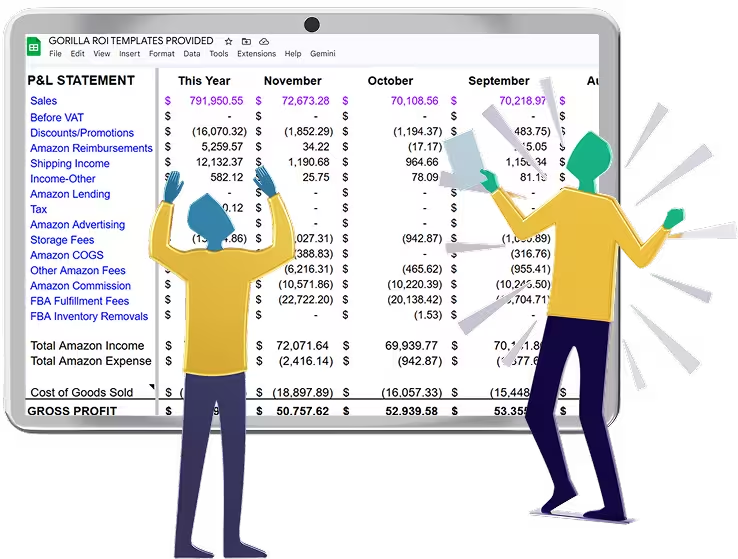
A ready-made Profit & Loss layout in Google Sheets that organizes revenue, fees, COGS, and expenses in a consistent format.

Revenue and expenses organized
.svg "Confirmation check icon with edit and close options")
Platform fees included

Monthly and period totals

Clean, readable layout
Transaction Summaries
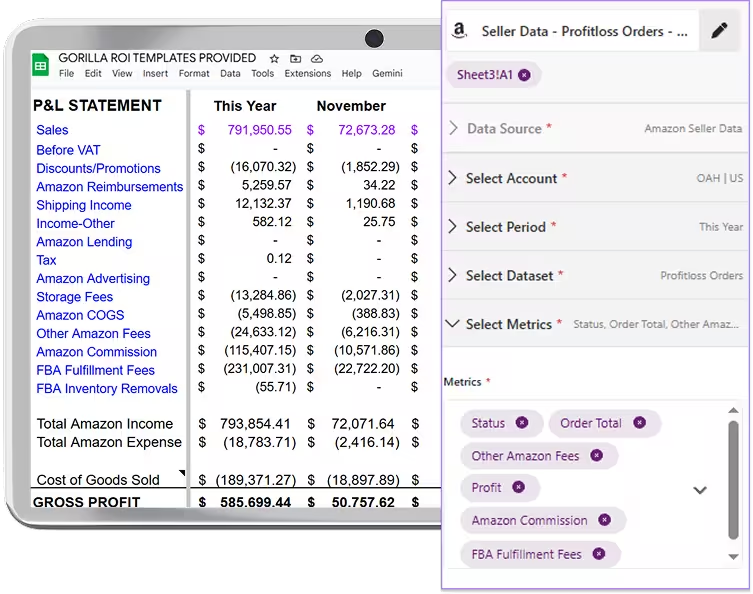
Ecommerce transactions are grouped and summarized so financial data rolls up cleanly into the P&L structure.
.svg "Confirmation check icon with edit and close options")
Fees and adjustments grouped
.svg "Confirmation check icon with edit and close options")
Expense categories aligned
.svg "Confirmation check icon with edit and close options")
Historical data included

Month-End Ready

The template is structured to support monthly reviews and reconciliation without rebuilding reports each period.

Consistent monthly format
.svg "Confirmation check icon with edit and close options")
Accountant-friendly layout
Easier reconciliation
Explore More Templates

.svg)
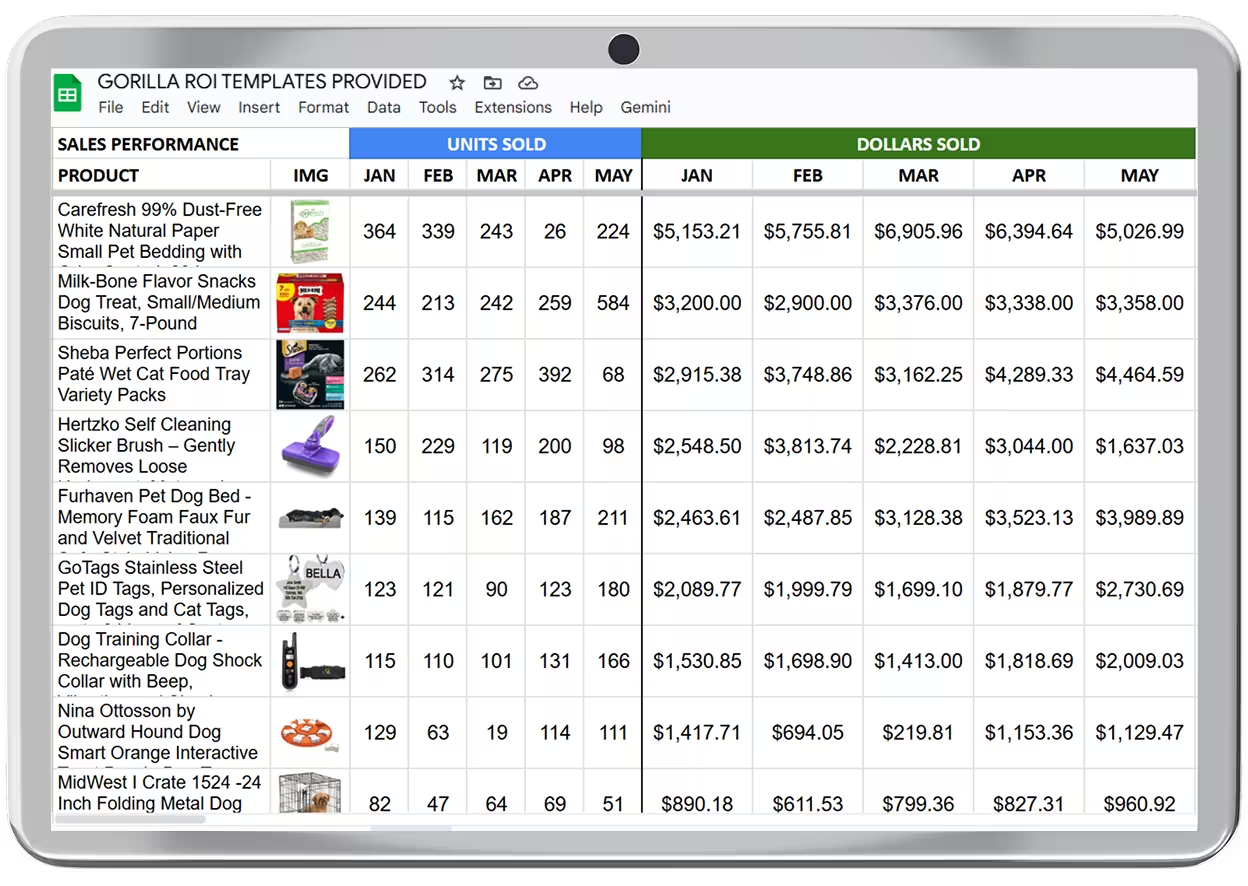
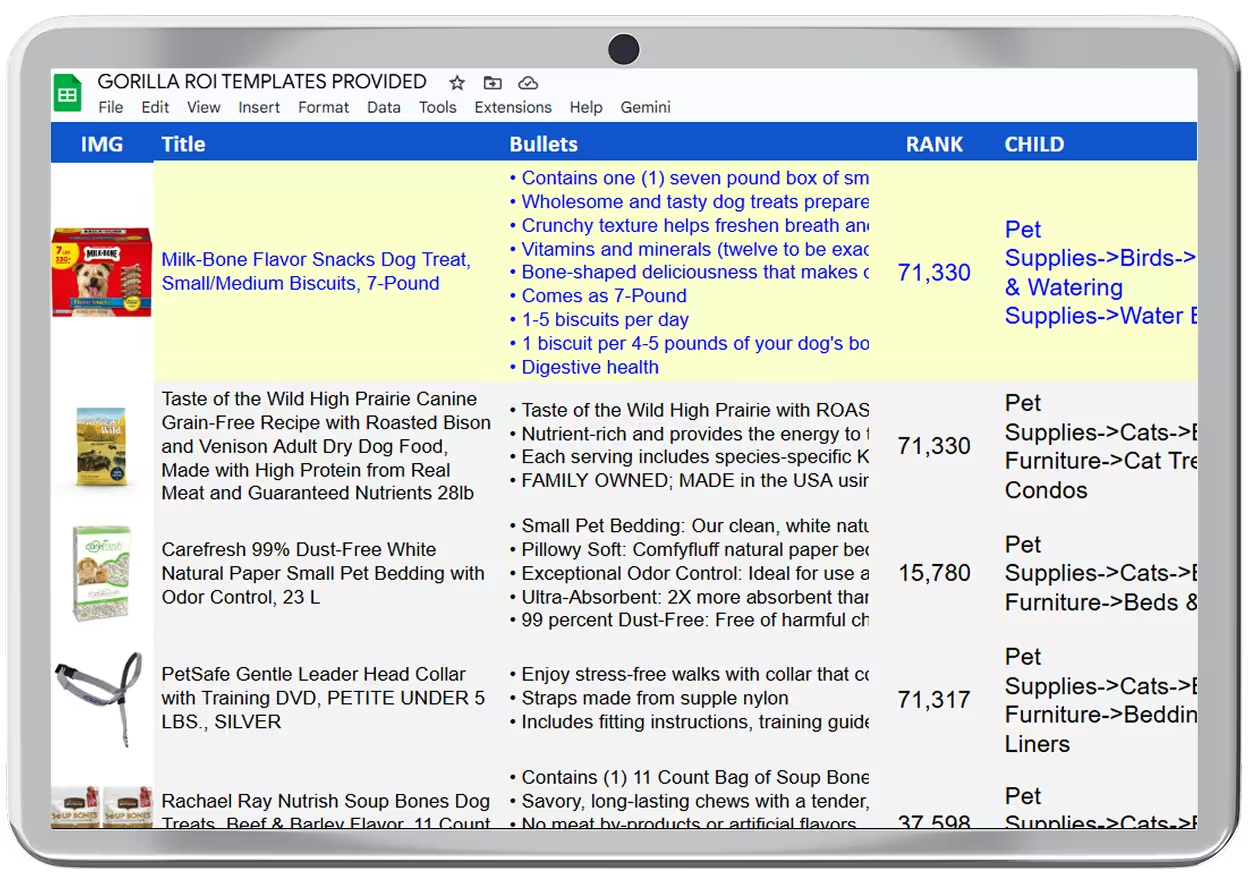
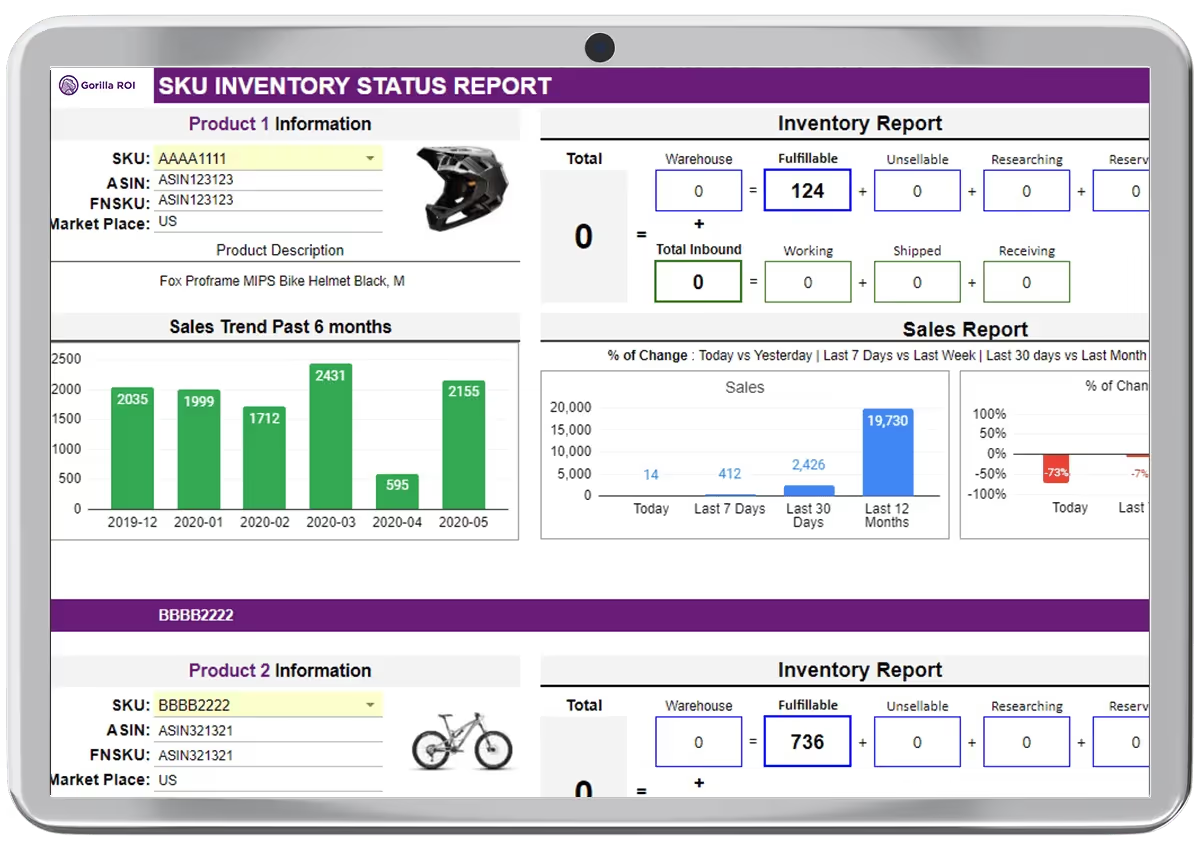
.avif)
.avif)
.svg "Back navigation arrow symbol")
.svg "Back navigation arrow symbol")
Getting Started is Easy
Trusted by Multi-Million Dollar Teams



I’ve been using Gorilla ROI for 3 years to manage an Amazon agency with over 10 accounts—it’s been absolutely invaluable. Pulling data directly into Google Sheets makes analysis and planning so much easier. Once you get past the initial learning curve, it saves a ton of time and gives you full control over how you report and visualize data.

Glen Carscadden
Sales Operation Manager
Ridgeline Insights

If you use spreadsheets a lot, sell on Amazon, and value your time - Gorilla ROI is a no brainer. Monitoring our ASINs, graphing sales data, and creating automated tools for product and FBA management. There really isn't anything else out there that makes your Amazon data more accessible and quicker to access.

John Derringer
CEO
Driven Products

This has made analyzing store activity so much easier! There's no reason to rely on Excel Sheets that are only as current as your latest export.

Trent Guyer
VP Marketing & Digital Strategy
Grasshopper Mower

Gorilla ROI is an absolute game-changer. There is truly nothing else like it on the market. It has saved my team over 40 hours per month by automating the exact data pulls we used to do manually.

Claire Davies
GNO Partners Agency

Brilliant app that pulls data from Amazon and turn them into powerful spreadsheets. Highly customizable with a vast amount of useful custom features and formulas.

Sam Kwong
CEO
Autoline Pro

.webp)
Try Gorilla ROI Free For 30 Days
Replace the Manual Spreadsheet Work and Save 40 Hours a Month