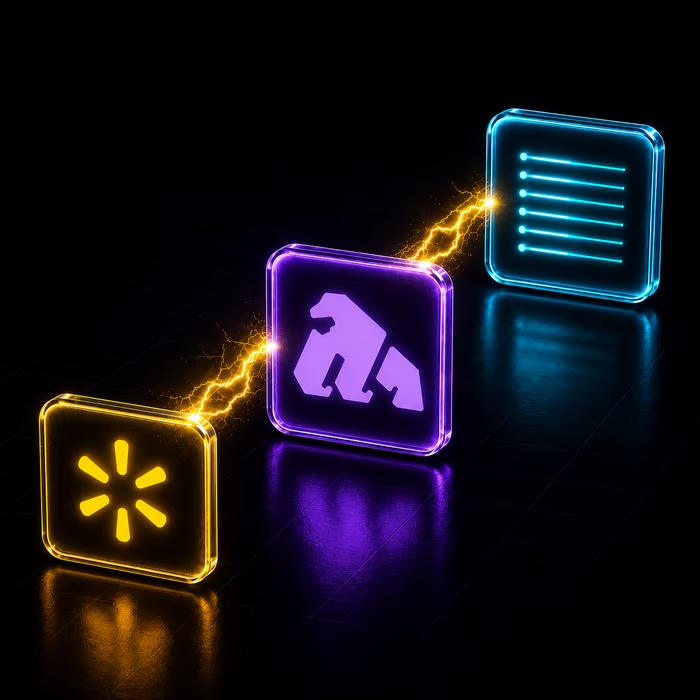
Gorilla ROI connects to the Walmart Fulfillment Services API, Walmart Orders API, Walmart Returns API, Walmart Inventory API, Walmart Items API, and Walmart Prices API. It pulls 14 reports covering orders, inventory, inbound shipments, pricing, returns, refunds, and item catalog data. Two additional reports — Inventory History and Sales — are custom Gorilla ROI datasets built from your Walmart data and stored over time for historical analysis.
.svg "Gorilla ROI")
4.8 Rating · 11k+ Downloads · Trusted by Sellers







Last updated -
June 19, 2026
What This Report Covers
✅ Custom sales count and sales amount rolled up by SKU, marketplace, status, and reporting period
✅ Orders count per period alongside sales channel and is-current period flag
✅ WPID and GTIN included with every sales rollup row for catalog cross-referencing
The Walmart Sales report is a custom Gorilla ROI dataset that rolls up Walmart order data into aggregated sales figures by SKU, marketplace, order status, sales channel, and reporting period. It covers sales count, sales amount, and orders count so you can analyze Walmart revenue performance without processing raw order records yourself. This report is part of our Walmart Seller Central Reports dataset.
Supported Fields
What Sellers Use This For
Track sales performance by SKU across any reporting period. Sales Count and Amount grouped by SKU and Period give you a clean revenue view without processing individual order lines.
Compare sales across Walmart marketplaces and sales channels. Market and Sales Channel let you see whether performance differs across marketplace regions or fulfillment channels for the same SKU.
Filter sales by order status. The Status field lets you separate confirmed sales from cancelled or pending orders so your revenue figures only include what actually completed.
Identify the current active reporting period. Is Current flags the row representing the live period, making it straightforward to build reports that always show the most recent data without manual date filtering.
How Gorilla ROI Pulls This Data
Walmart Sales is a custom Gorilla ROI dataset built from your Walmart order data. Data updates automatically on a regular schedule. No csv exports. No manual downloads. The numbers are current the moment you open your report. Feed AI with our data to stay on top and ahead of your business.
For setup instructions, see the Walmart Data Supported article in our help center.
Our Walmart Seller Central Reports and Fields
This data is available through our Walmart Seller Central Reports
Frequently
Asked Questions

What Walmart report and fields are supported?
How do I connect my Walmart Seller Central account to Gorilla ROI?
For step-by-step connection instructions, see the Walmart Data Supported article in our help center. Once connected, Gorilla ROI pulls your Walmart data automatically on a regular schedule with no csv exports or manual downloads required.
Does Gorilla ROI support Walmart Fulfillment Services (WFS) data?
Yes. The Inbound Shipment Items and Inbound Shipments reports pull directly from the Walmart Fulfillment Services API. They cover SKU-level quantities expected and received, damaged quantities, fill rate, carrier details, tracking numbers, and fulfillment center routing per inbound shipment.
Can I track Walmart inventory levels over time?
Yes. The Inventory report shows current available, reserved, and total quantities per SKU across ship nodes. The Inventory History report stores daily snapshots of those quantities so you can trend stock levels, measure depletion rates, and build replenishment forecasts across any date range.
What Walmart order and returns data is available?
Three reports cover orders: Orders List (order-level header data), Order Items (line-level status, fulfillment, and carrier data), and Order Charge (charge type, tax, and discount breakdown per line). Refund data sits in the Refunds report. Returns data spans two reports: Returns (header-level return order data) and Return Lines (unit-level charge, tax, refund status, and disposition detail per return line).
Does Gorilla ROI pull Walmart item and pricing data?
Yes. The Item report returns product name, price, published status, lifecycle status, condition, availability, and variant group data for every SKU. The Item Attributes report returns every attribute record per SKU including name, type, value, group, source, rank, and variant flags. The Price report returns the current price amount and currency for every item in your catalog.
How does the Walmart Sales report differ from the Orders List report?
Orders List returns raw order-level header data — one row per order with identifiers, totals, and shipping details. The Sales report is a custom Gorilla ROI dataset that aggregates your Walmart order data into sales counts, order counts, and sales amounts grouped by SKU, marketplace, order status, sales channel, and reporting period. Use Orders List for order-level detail and Sales for period-based performance analysis.
Try Gorilla ROI Free For 30 Days
Replace the Manual Spreadsheet Work and Save 40 Hours a Month