.svg "Gorilla ROI")

Article Summary
✅ Walmart Inventory Checker tips to effectively track and manage your inventory on Walmart.
✅ Connecting the Walmart API directly to your spreadsheet eliminates the need for manual CSV downloads.
✅ Knowing your current stock level without knowing how fast it's selling gives you a number you can't act on.
Walmart Inventory Checker Much Needed
I've been selling on Amazon since 2012, but started Walmart much later. Still earlier than most. We went out of stock on a top Walmart SKU while our spreadsheet showed 11 days of inventory remaining. The report was accurate when we pulled it Monday morning. A promotion kicked off Tuesday. By Thursday the fulfillment center was empty and nobody caught it until Walmart started suppressing the listing.
The spreadsheet wasn't wrong. It just had no way of knowing what happened after Monday, because nothing updated it between those two points.
That gap is where the stockout lives. And after watching this pattern repeat across dozens of sellers we work with, the cause is always the same: the data refresh cycle is set by a human, not a system.
Teams waste hours logging into Walmart Seller Center to download inventory reports, only to manually merge them with automated Walmart inventory.
Why the Manual Process Breaks Before You Notice
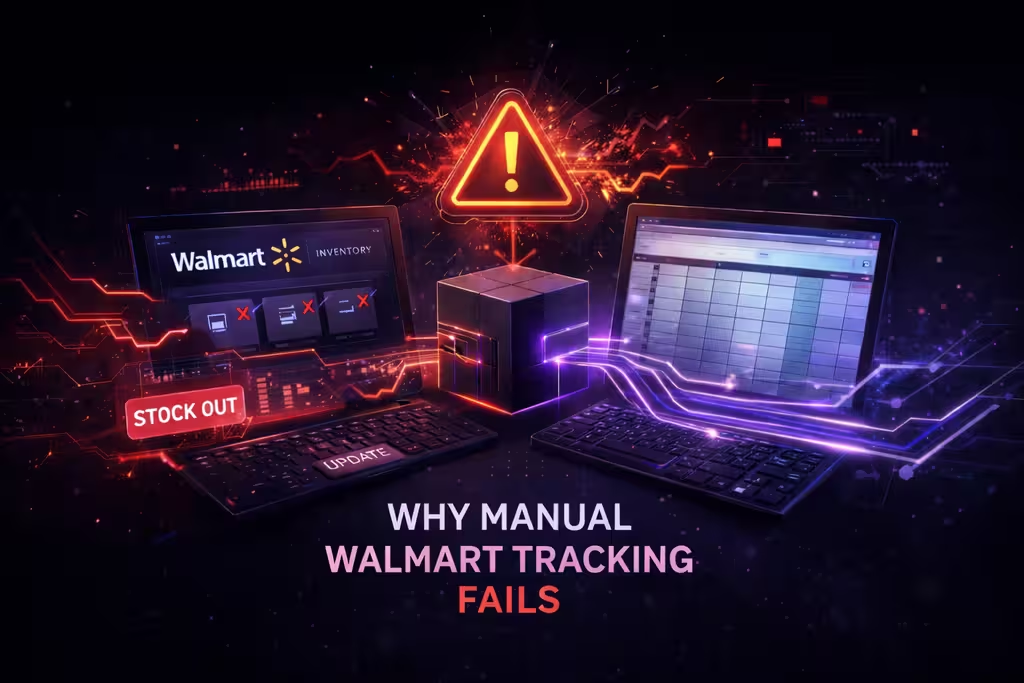
The failure compounds across three separate points, which is why it's expensive by the time you see it.
At 10 SKUs this feels manageable. At 50 SKUs across Walmart, Amazon, and Shopify, one bad export overwrites formulas and takes down the whole sheet.
You're Chasing the Wrong Number
Knowing you have 400 units right now means nothing without knowing you're moving 80 units a day. That's a 5-day runway, and a weekly manual pull will never surface it before the damage is done.
According to SupplierWiki's analysis of Walmart's replenishment model, Walmart's vendor-managed inventory initiative makes manufacturers responsible for managing their inventory in Walmart's warehouses using data from Walmart's own information systems. Walmart pioneered VMI in the 1980s and suppliers use this data to forecast and fulfill inventory needs on their own. Walmart doesn't trigger your restocks. You do, based on your own data. Three-day-old data means a three-day-late reorder decision, and in a promotional window that's enough to blow it.
Sellers who switch from weekly CSV pulls to automated daily API refreshes catch velocity spikes an average of 2 to 3 days earlier. In a standard 7-day reorder window, that's the difference between restocking on time and paying emergency freight.
How We Fixed the Sheet
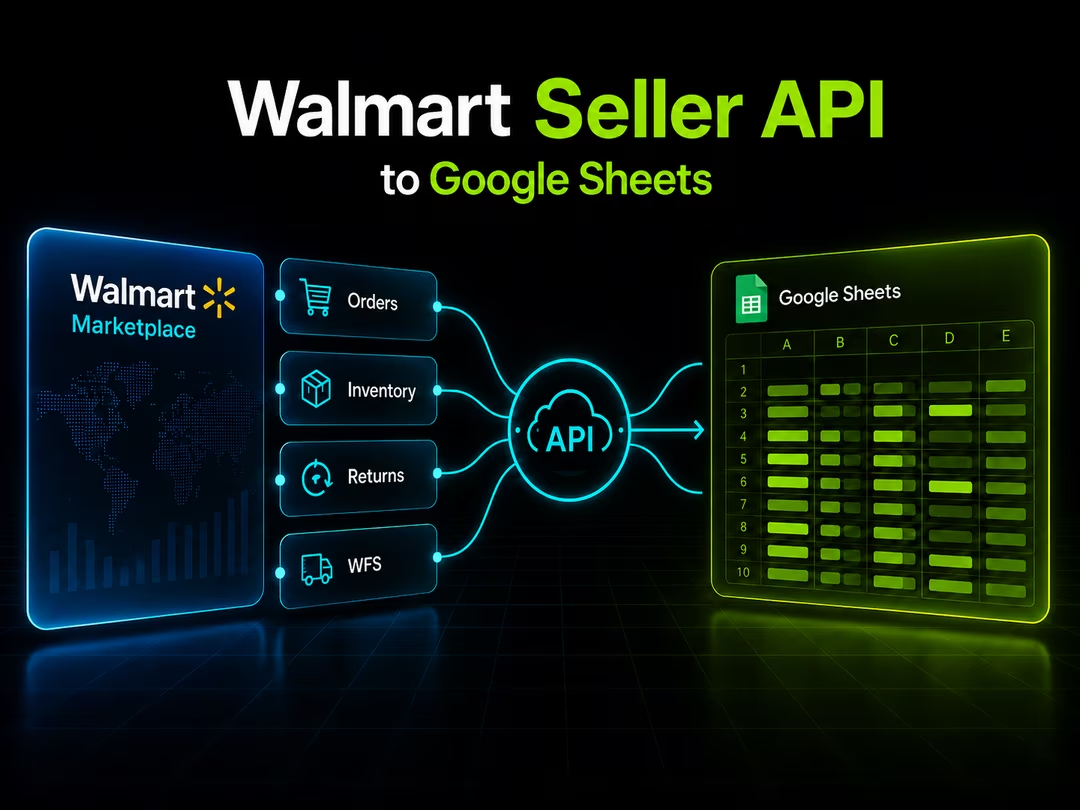
We connected the Walmart API directly to Google Sheets so data refreshes on a schedule without anyone logging into Seller Center. If you want to see exactly what Walmart data the API surfaces and how it maps into a sheet, that post covers the full field breakdown.
Beyond the connection, three structural things matter.
First, all identifiers live in one master mapping tab. Walmart WPID, Amazon ASIN, internal SKU, all in one place. If you're unclear on how GTIN and WPID identifiers relate to each other across channels, that's worth reading before you build the map. Every formula across the sheet references that tab. Add a SKU, update the map once, everything downstream adjusts. No reformatting 12 tabs.
Second, raw API data stays completely isolated from formulas. The Walmart output goes into a back-end tab nobody touches manually. Dashboard tabs pull from it with reference formulas. This sounds obvious until someone pastes into the wrong column mid-month and takes down the whole reporting setup. We cover the full sheet structure in our guide on how to load inventory data into Google Sheets.
Third, velocity gets calculated internally. Here's the formula, and the full logic behind it is in our demand forecasting guide:
Average of: (last 7 days units / 7) + (last 14 days units / 14) + (last 30 days units / 30)
L7 catches acceleration from a promotion. L30 smooths out the noise. Divide live available quantity by that blended daily rate and you get actual days of inventory remaining. For a deeper look at building this into a full restock system, see our Amazon inventory forecasting post.
What the Raw API Data Looks Like
When the connector pulls from Walmart, this lands in the back-end tab:
The Ship Node column is the part people miss. It separates WFS stock from Amazon MCF stock in the same pull, so you know where inventory is actually sitting without opening a second report. For a full breakdown of what fields the Walmart connector surfaces, see the Walmart seller Google Sheets guide. The sidebar pulls this in roughly 20 seconds, no developer needed.
Manual Export vs. Automated API Connector

Key Terms
WPID (Walmart Product ID): The unique alphanumeric ID Walmart assigns to each product. Used to match Walmart inventory records to your internal SKU in the master mapping tab.
Ship Node: The fulfillment location tied to each inventory record in the Walmart API output. Tracking by Ship Node is what lets you see WFS stock and Amazon MCF stock separately in a single pull.
Vendor-Managed Inventory (VMI): Walmart's model where the supplier decides when to replenish, not Walmart. Your reorder timing is entirely dependent on how current your data is.
The Native Walmart App (The Retail Baseline)
The Walmart app allows you to check local store inventory and scan barcodes for real-time price comparisons.
It is free and includes built-in store maps for aisle navigation.
However, this tool is built for everyday shoppers and retail arbitrage. If your team is manually opening the Walmart app to check stock levels for a 50-SKU catalog, your reporting system is already failing.
FAQ
How do I match Walmart SKUs to Amazon SKUs in one sheet?
Build a master mapping tab with three columns: your internal SKU, the Amazon ASIN, and the Walmart WPID. Every formula across your dashboards references that tab, so there's one source of truth to maintain. Our free inventory management spreadsheet has a working version of this structure you can copy.
Will the sheet slow down at 50+ SKUs?
It will if all queries run inside one tab. Keep raw Walmart data in isolated back-end tabs and pull from it with reference formulas. Processing stays fast because the heavy work stays separated from the reporting layer. See our best practices for building spreadsheets for the full tab structure we use.
What happens if the API refresh fails?
A built-in scheduler sends an alert when a refresh doesn't complete. You can also trigger a manual refresh directly from the sidebar without touching any formulas.
Do I need a developer to set this up?
No. If your ops manager can write a VLOOKUP, they can configure the connector from the sidebar. There's also a quick start guide that walks through the full setup.
Can I see inventory split by fulfillment center?
Yes. The Walmart API output separates stock by Ship Node, so WFS and Amazon MCF inventory show up as separate rows in the same pull. The Walmart data supported page lists every field available through the connector.
Send This to Your Manager
WALMART INVENTORY SYSTEM CHECK
□ Is raw Walmart API data in its own back-end tab, fully separated from dashboard formulas?
□ Does a master mapping tab connect internal SKUs to both WPIDs and ASINs?
□ Are velocity formulas locked so nobody pastes over them accidentally?
□ Is daily sell rate calculated from a blended L7/L14/L30 average, not a marketplace estimate?
□ Are point-in-time inventory snapshots saving automatically each day?
Score below 4/5 and your next stockout is already scheduled.
You can build this setup using our free inventory template as the starting structure.
The Sheet Works When the Data Does
Connecting the Walmart API to Google Sheets removes the lag that turns a Tuesday promotion into a Thursday stockout. Your team stops downloading CSVs and starts making reorder decisions on numbers that are actually current.